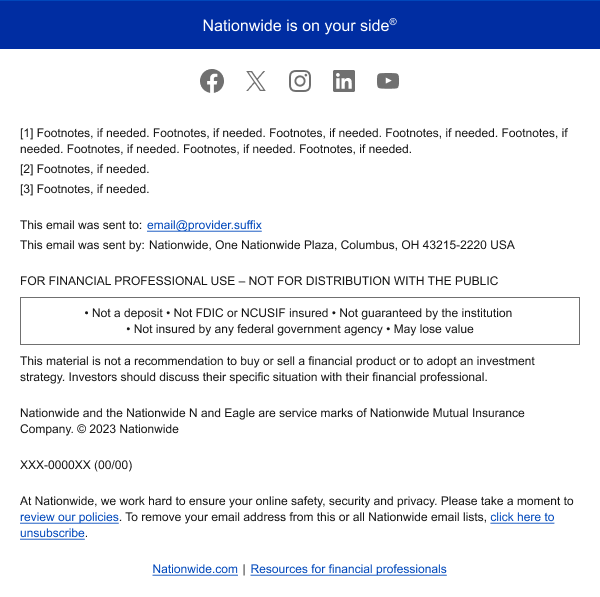
Footer
A footer is the section at the bottom of a screen used to display company and legal information.
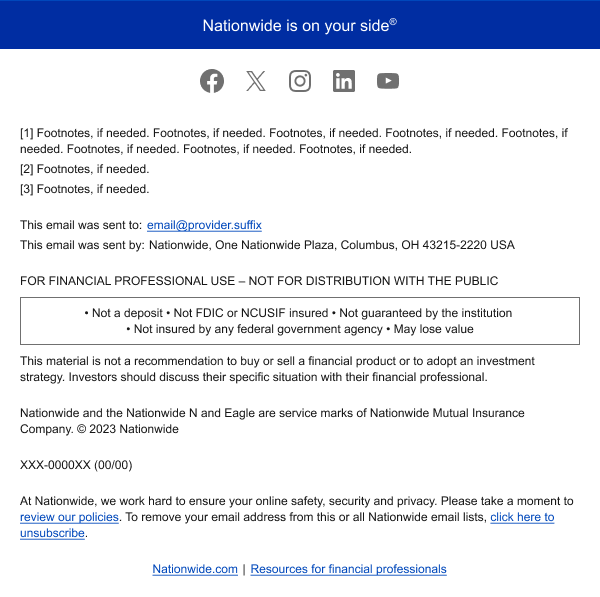
When to use
Permalink to "When to use"- "Nationwide is on your side®" set on N crop blue appears at the start of our email footer. When an email body ends with a color container, it should be flush with the blue bar. When ending on white, allow 32px or 48px of white space.
NOTE: If sending for a third-party (e.g. a white-labelled retirement plan), this bar may be replaced with a 1px dark gray line.
Social Links
Permalink to "Social Links"- In Nationwide branded emails, the footer can feature social links for awareness. If included, confirm that the audience is receiving the appropriate social links.
- There are two versions of these:
- Consumers + agent
- NF financial professionals.
Disclosure Text
Permalink to "Disclosure Text"All other information, including contact details and legal text, should be left-aligned, charcoal (color) and set on white. This ensures the legibility of text at a small size and does not visually detract from the main content.
Web Links
Permalink to "Web Links"Email footers end with text links to Nationwide websites. The links depend on the audience and can change as needed.
Messaging components have been reviewed for compliance with visual accessibility guidelines, but accessibility tool (AT) testing should be performed by those implementing them in code.