banner

Banner

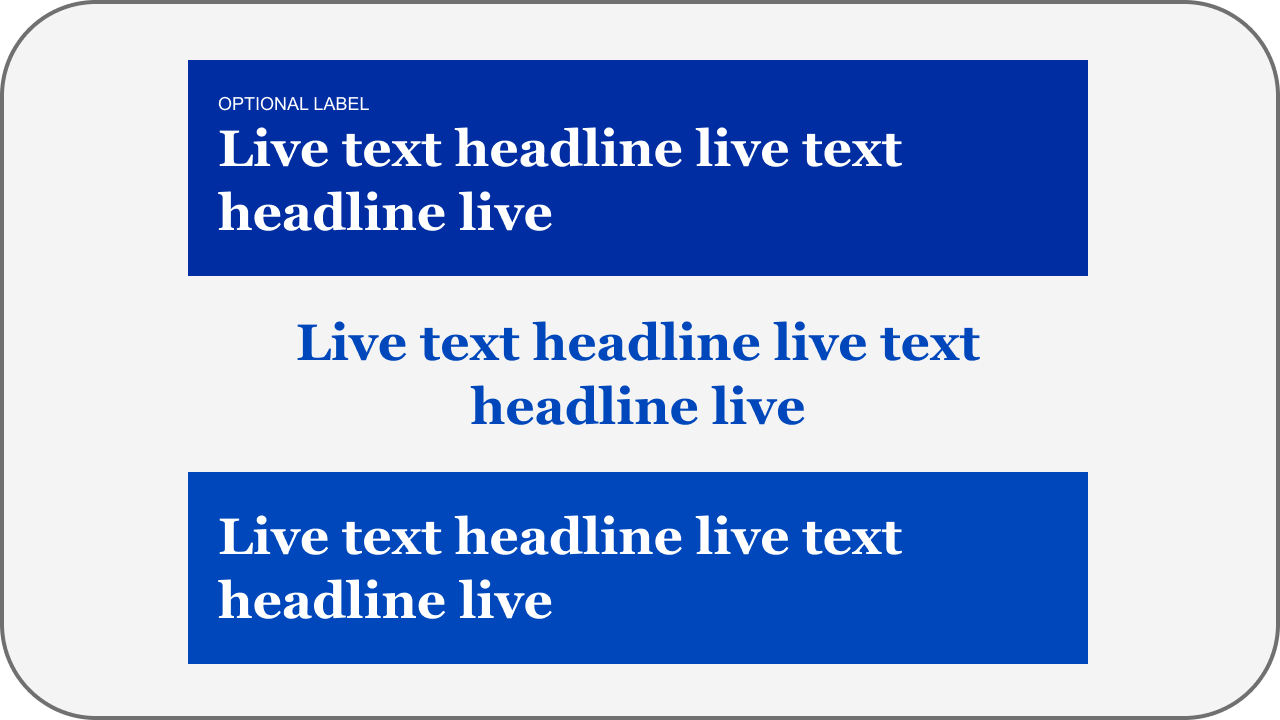
The first section of content below the header containing an image, text, or both to grab the user's attention.
brief

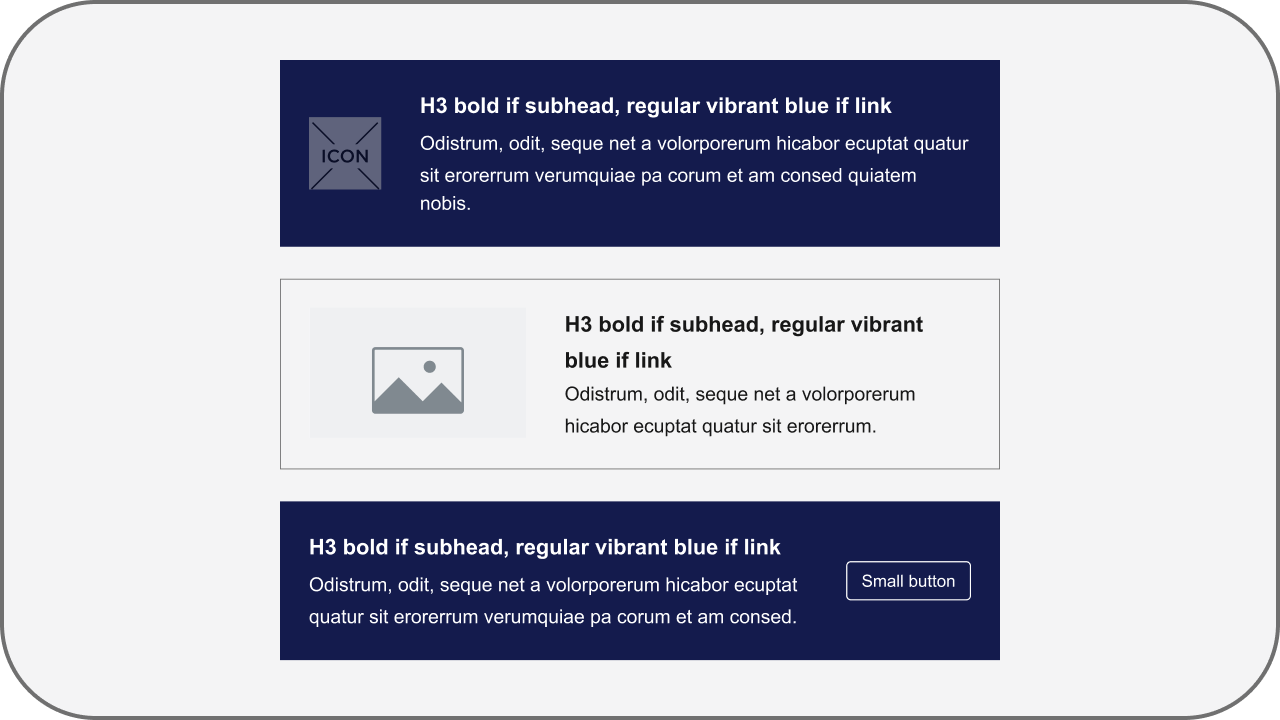
Brief

A short statement that provides a quick insight or call to action.
button

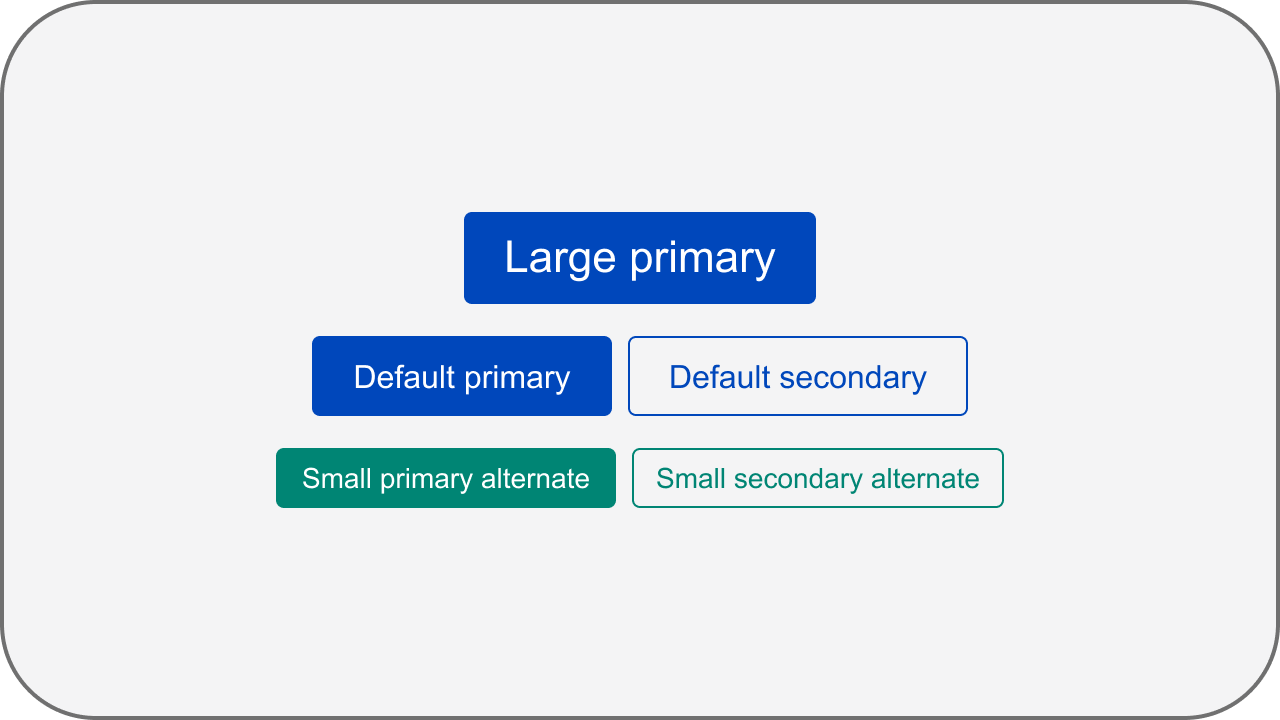
Button

Elements that allow users to perform actions or navigate.
call-to-action

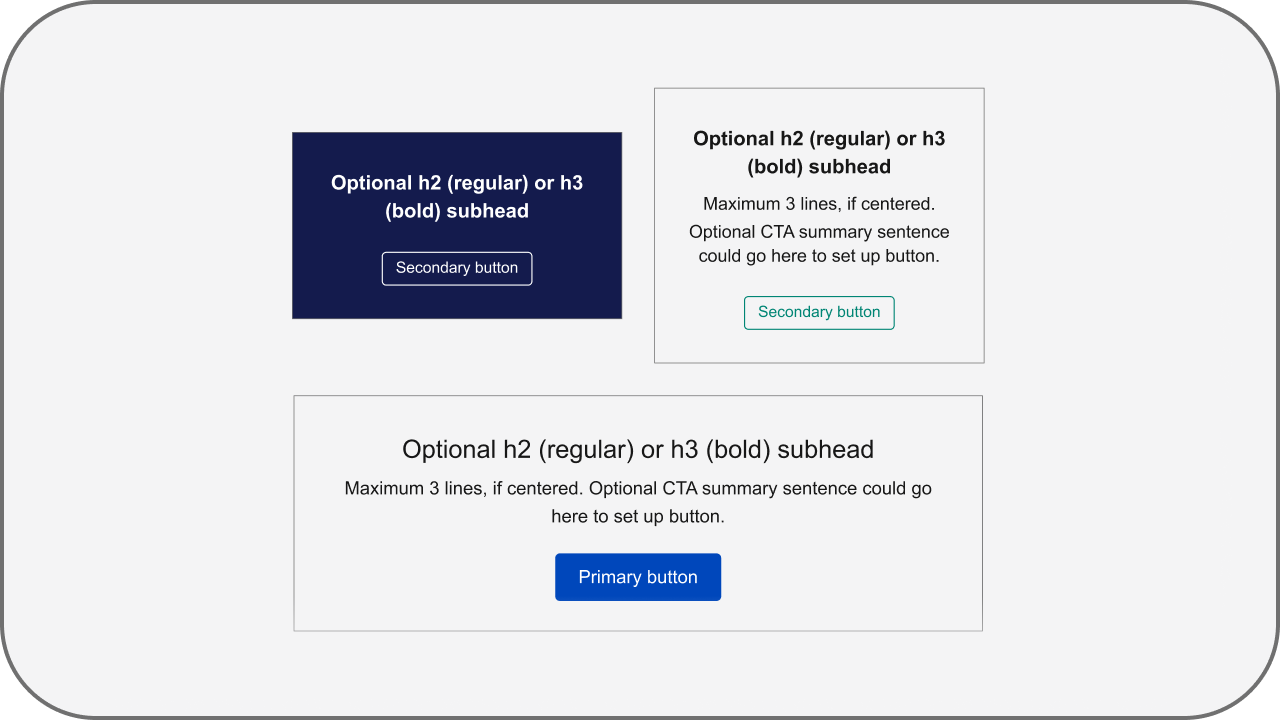
Call to Action

A main action that the user should do.
footer

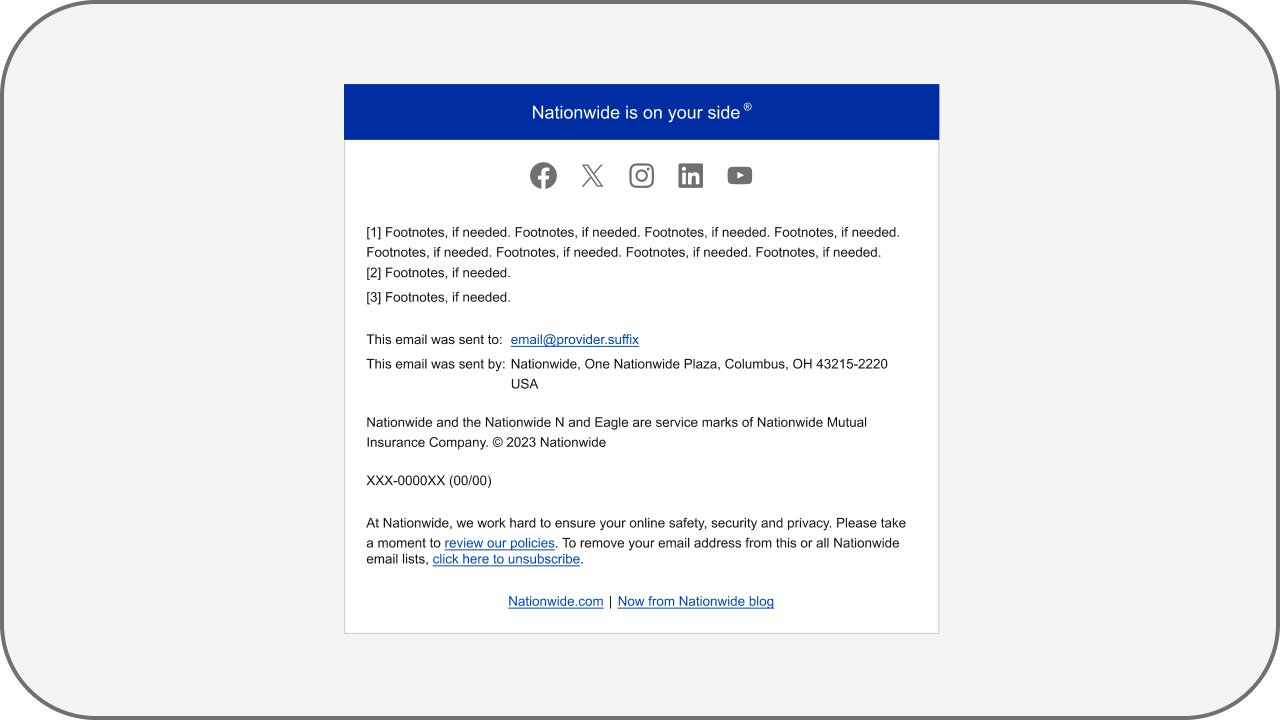
Footer

The bottom most section of an email that includes essential information about the sender and the company.
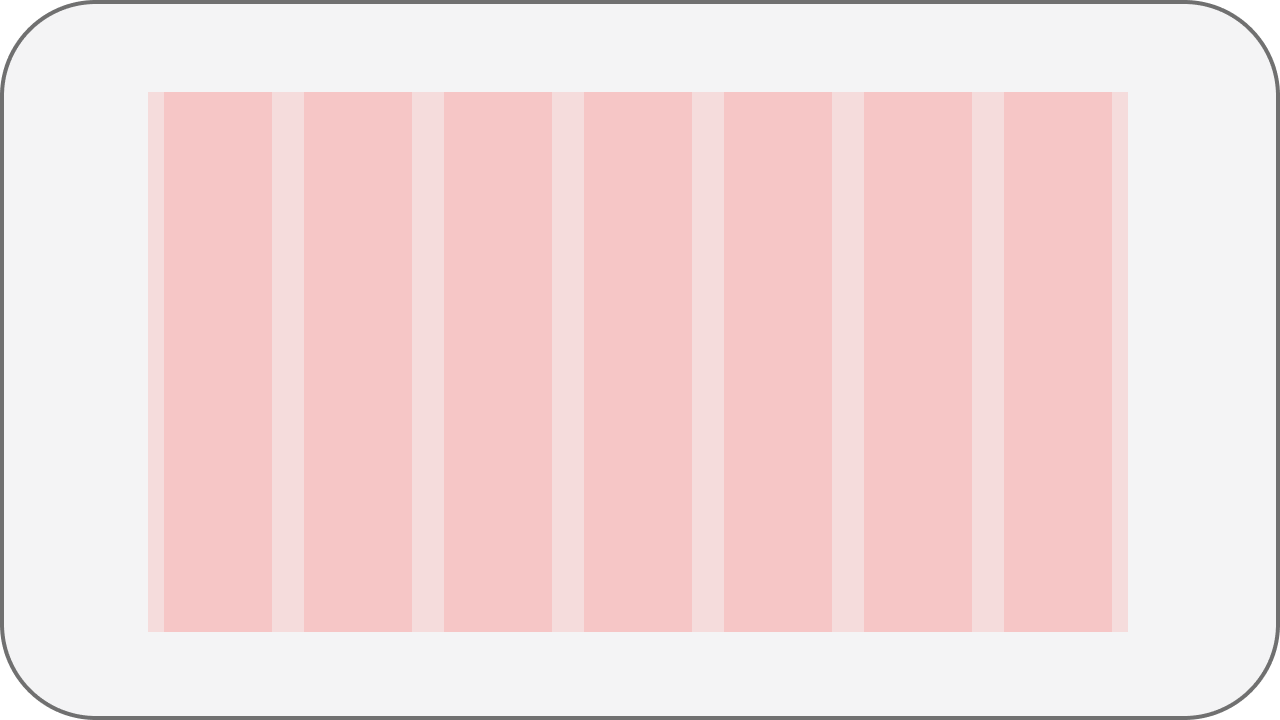
grid

Grid

A structure of invisible columns and rows used to organize and align content.
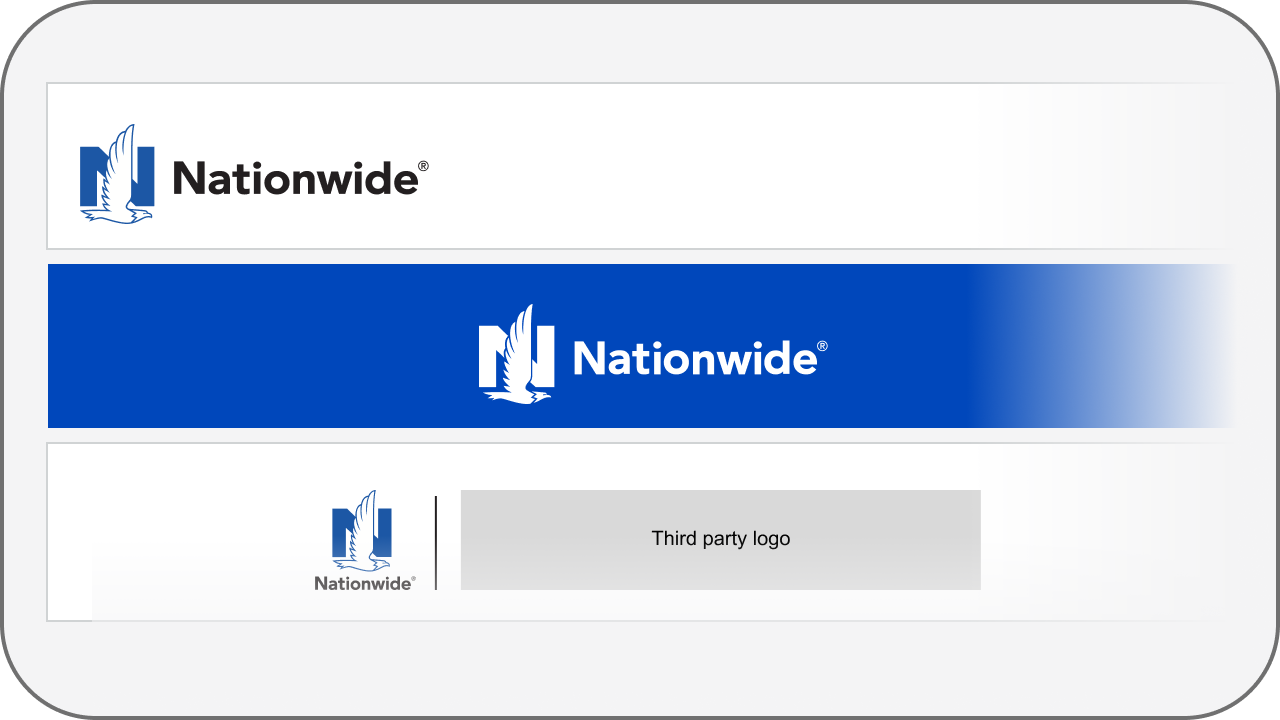
header

Header

The top section of an email that includes the company logo.
icons

Icon

Small graphic that conveys brand ideals or illustrate important points.
logo

Logo

A symbol adopted by an organization to identify its products.
test block

Text Block

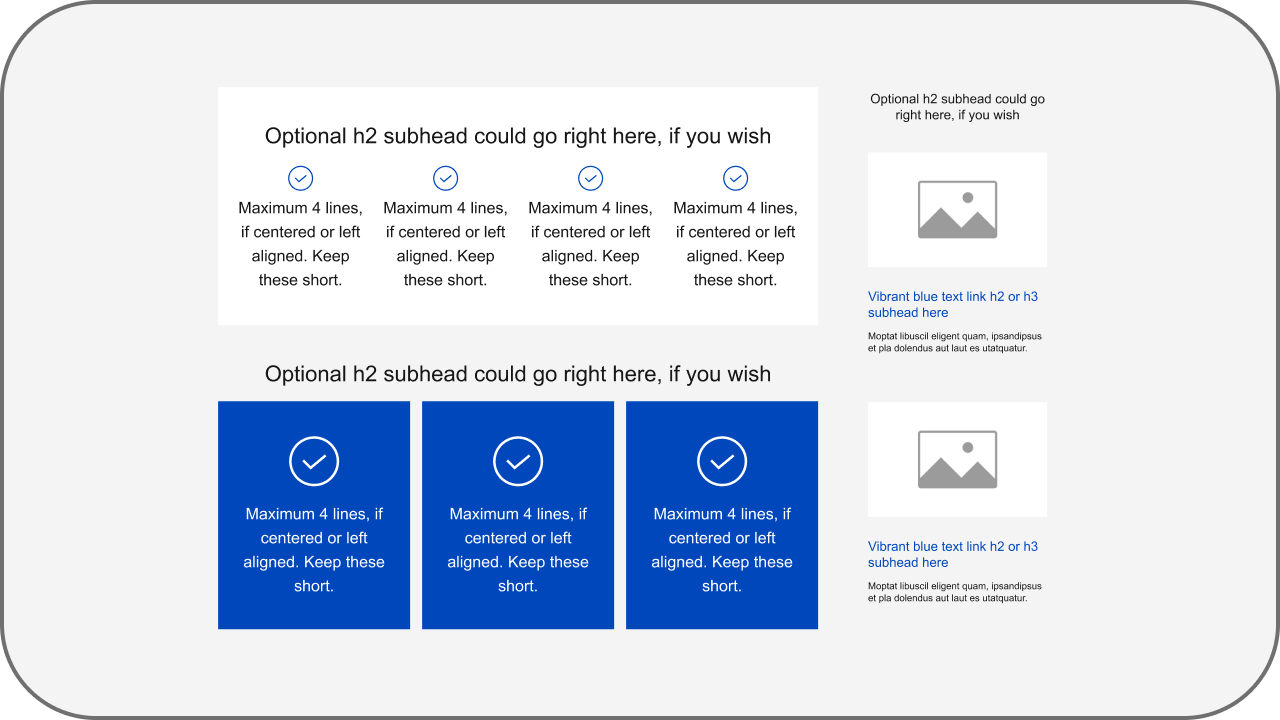
Text that is grouped, often in the shape of a square or rectangular "block."

Display settings

Note: not all settings persist across pages

Default Compact (-1) Sparse (+1) XL (default) 2XL 3XL Default Min Max Light (default) System Dark Branded (default) Unbranded